
The BBC iPlayer is a video streaming service, designed for users in the UK only.
The BBC iPlayer FireStick app is only available for UK residents.
If you try to add BBC iPlayer app to your Firestick whilst in Spain, then you may not find it in the available apps in your apps store. This is because it is “geo-blocked”, using your internet IP address to check whether or not you are located in the UK.
However it is possible to manually install the BBC iPlayer app on your Firestick.
But for people living outside of the UK, you will need a VPN or Smart DNS service to hide your “non UK” IP address and access the free content on BBC iPlayer.
We cover VPNs and Smart DNS services for a Firestick on this page : How to set up and use an Amazon Firestick in Spain for BBC iPlayer

Advert
This is a step-by-step guide on how to install BBC iPlayer on FireStick, Fire TV, and Fire TV Cube. (Correct as at Dec 2020)
Step 1: Open FireStick Home

Step 2: Click on the Settings menu at the top

Step 3: Select Device/My Fire TV

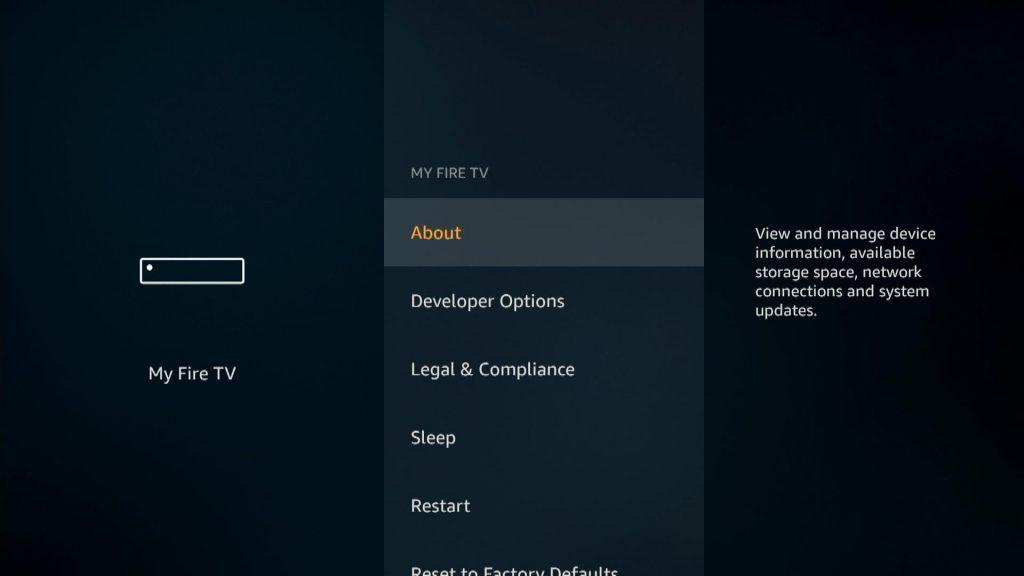
Step 4: Tap on Developer Option – if Developer Option is not available click here to see how to gain access to this option

Step 5: Click on Apps from Unknown Sources


Step 6: Click Turn ON
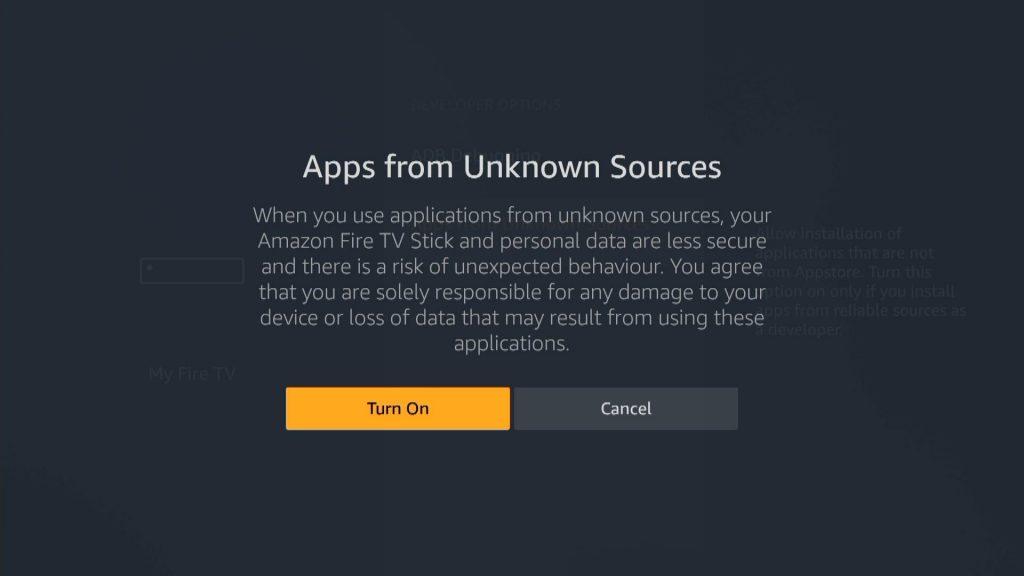
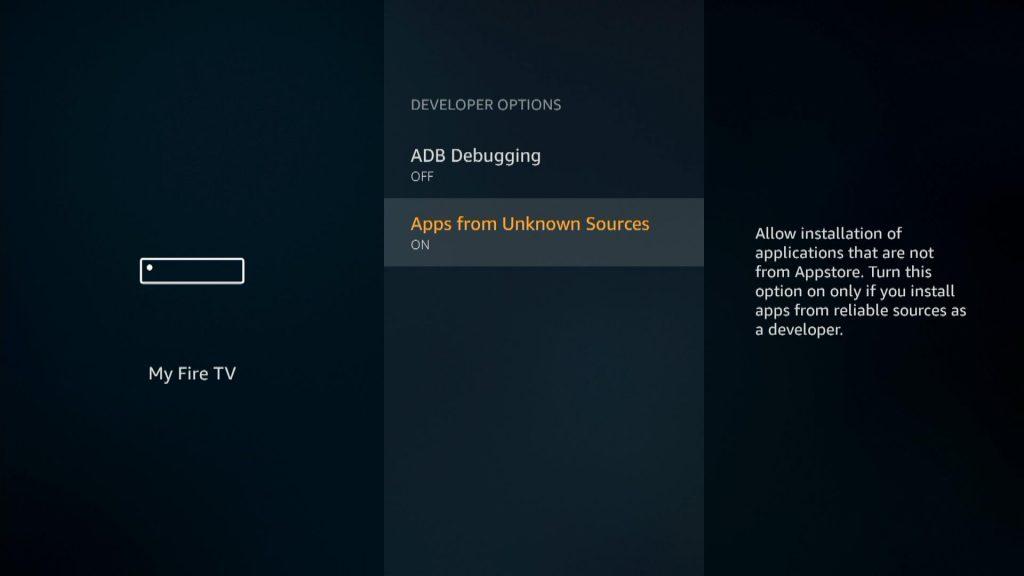
Step 7: Return to FireStick Home > Then click on the Search icon
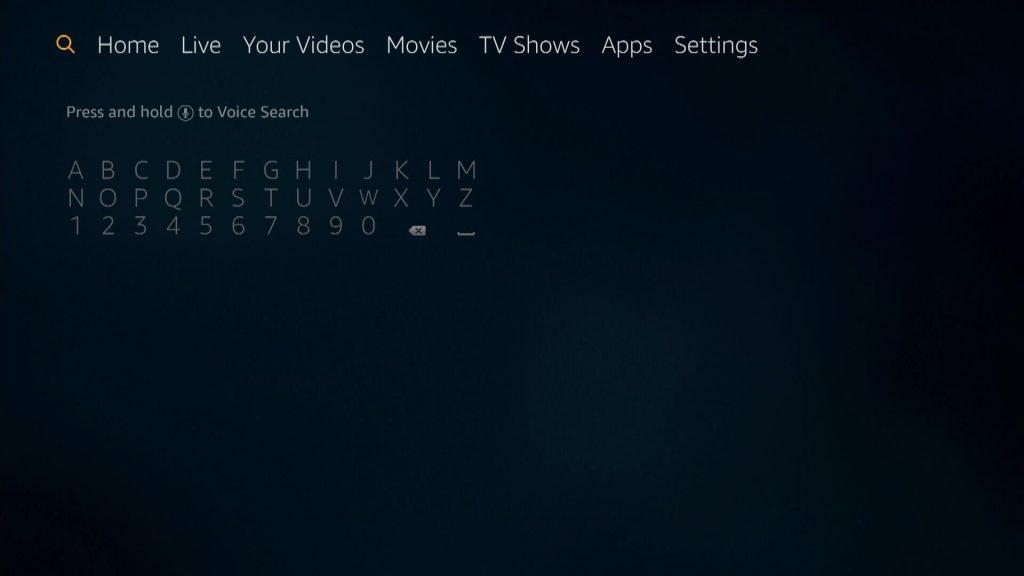
Step 8: Type ‘Downloader’ and click on it

Step 9: Select the Downloader app from below

Step 10: Press Download if it isn’t downloaded on your FireStick


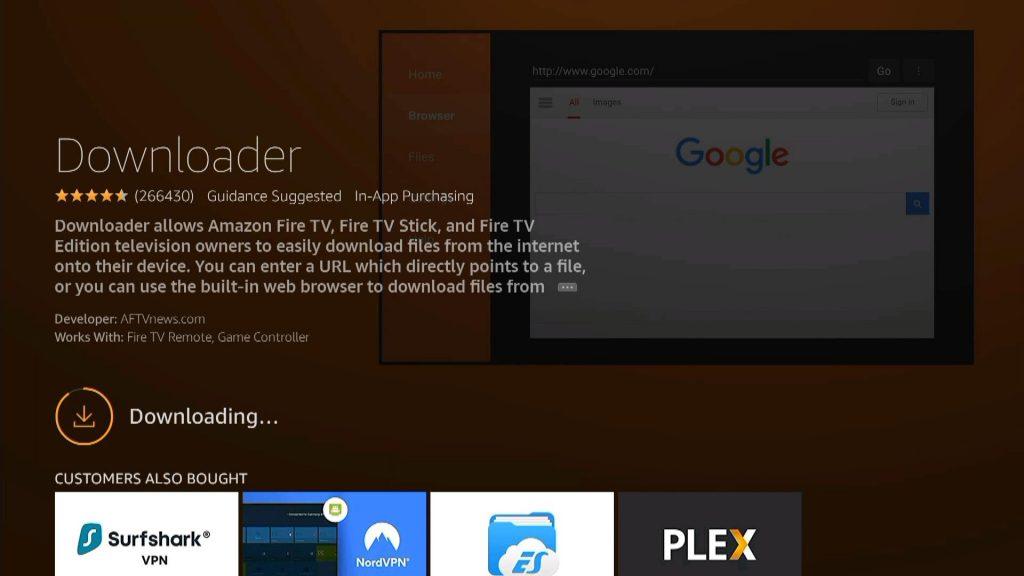
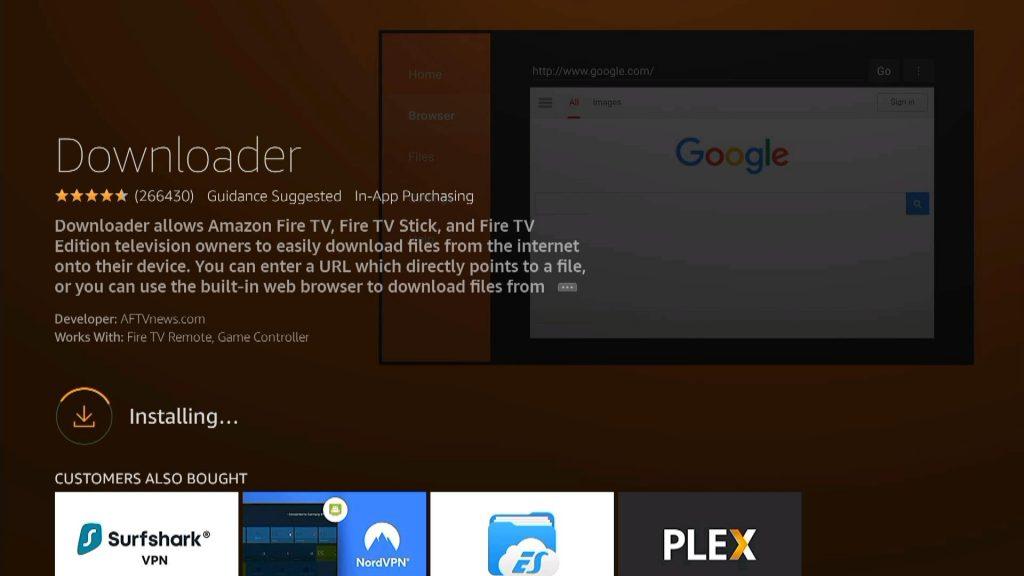

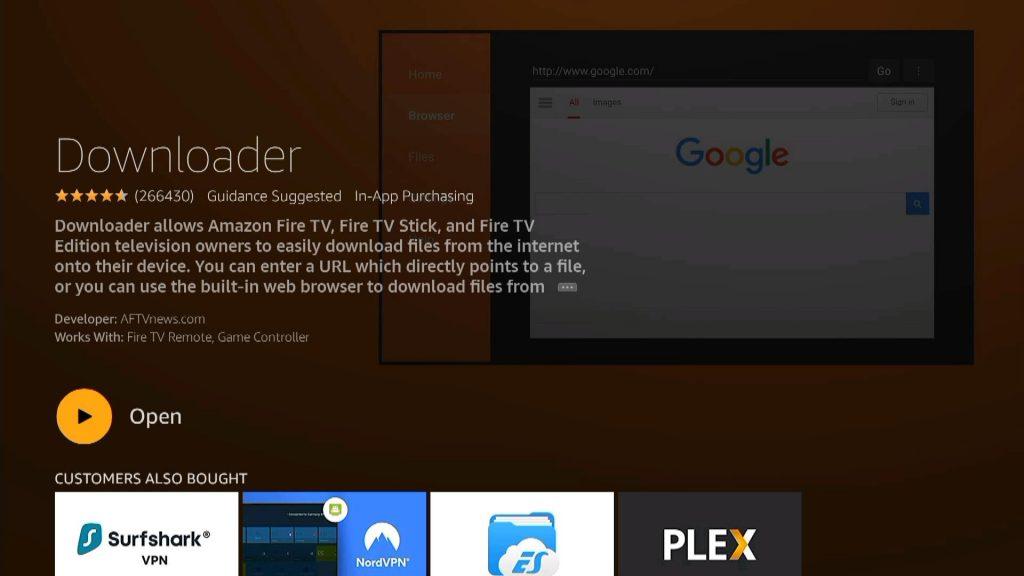
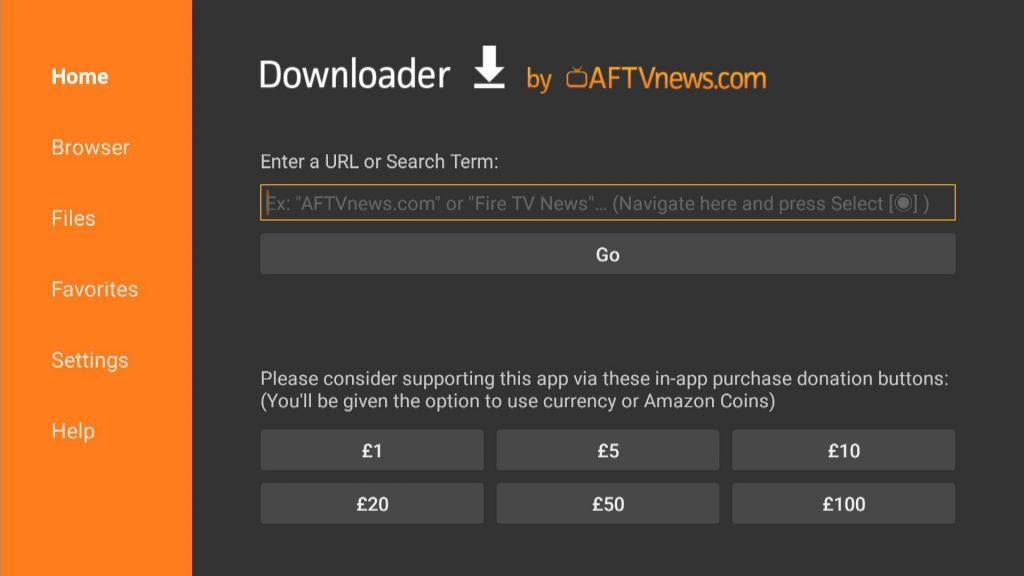
Step 11: Click Open once the app is downloaded
Type 741561 and click GO
Step 13: Click Download – this may be done automatically
Step 14: Once the download finishes, click Install – this may be done automatically

Step 15: Press Install again

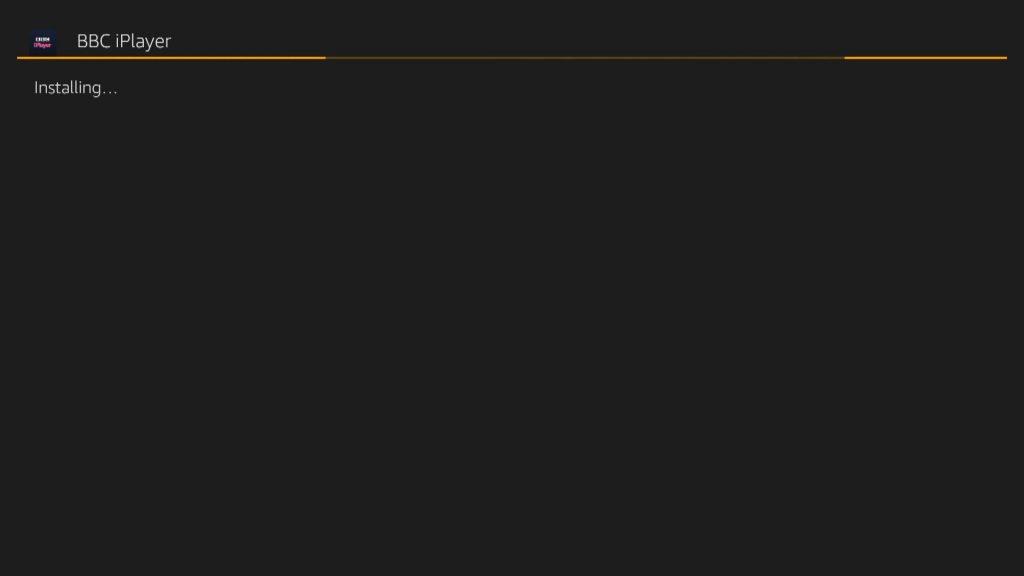

Step 16: Once the app is installed, press Done

Step 17: Return to FireStick Home > Go to Settings > Then Applications


Step 18: Select Manage Installed Applications


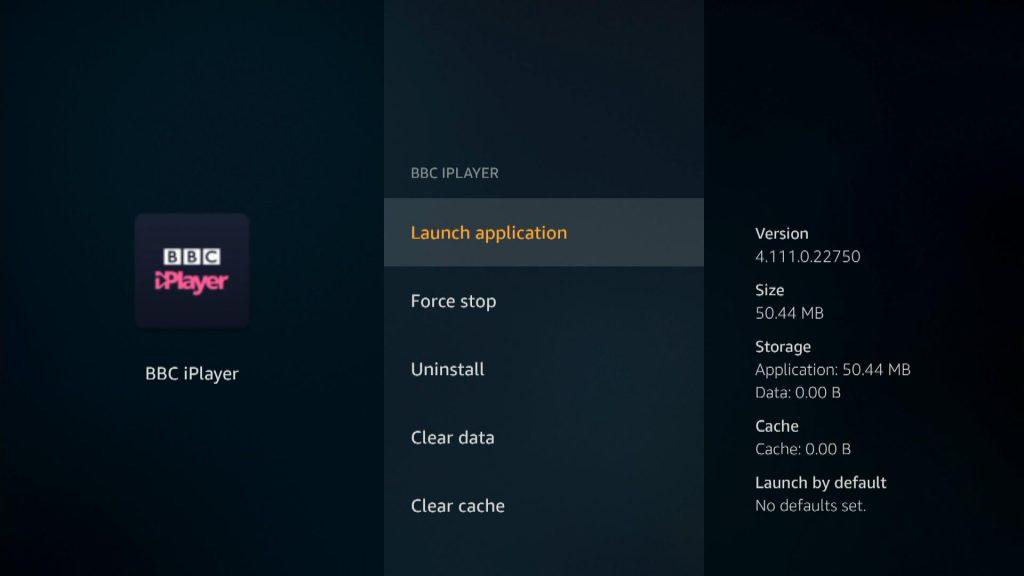
Step 19: Here you will find BBC iPlayer in the list, click on it


Step 20: Click Launch Application

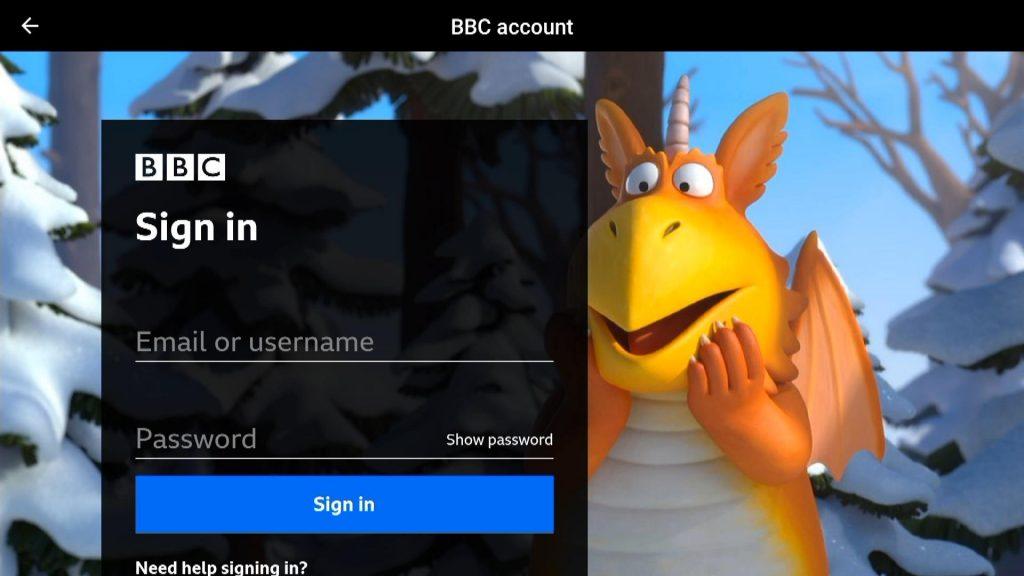
Step 21: Sign into your BBC Account. If you do not have a BBC account, then you will need to create one at bbc.com/account

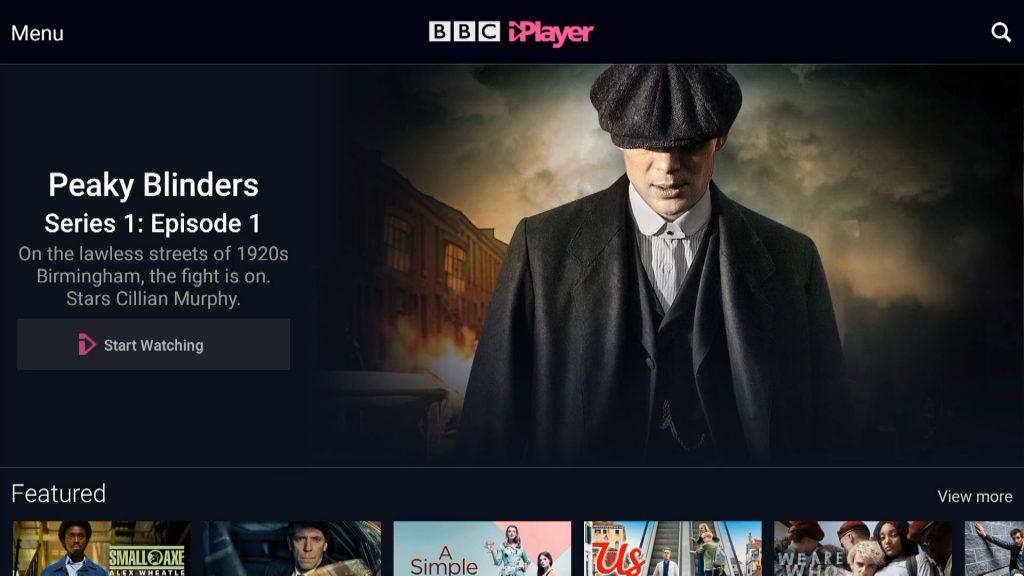
Step 22: iPlayer loads up and is available to use

Note : if trying to use BBC iPlayer outside the UK you will need to set up a VPN or Smart DNS service on your firestick, to hide you “foreign” IP address – How to set up and use an Amazon Firestick in Spain for BBC iPlayer
Links for the Best VPN and Smart DNS Services for UK TV in Spain

